

How to Use QR Codes on Food Packaging
Give customers a useful reason to scan. Connect the food they buy to product information, preparation ideas and answers from your brand.
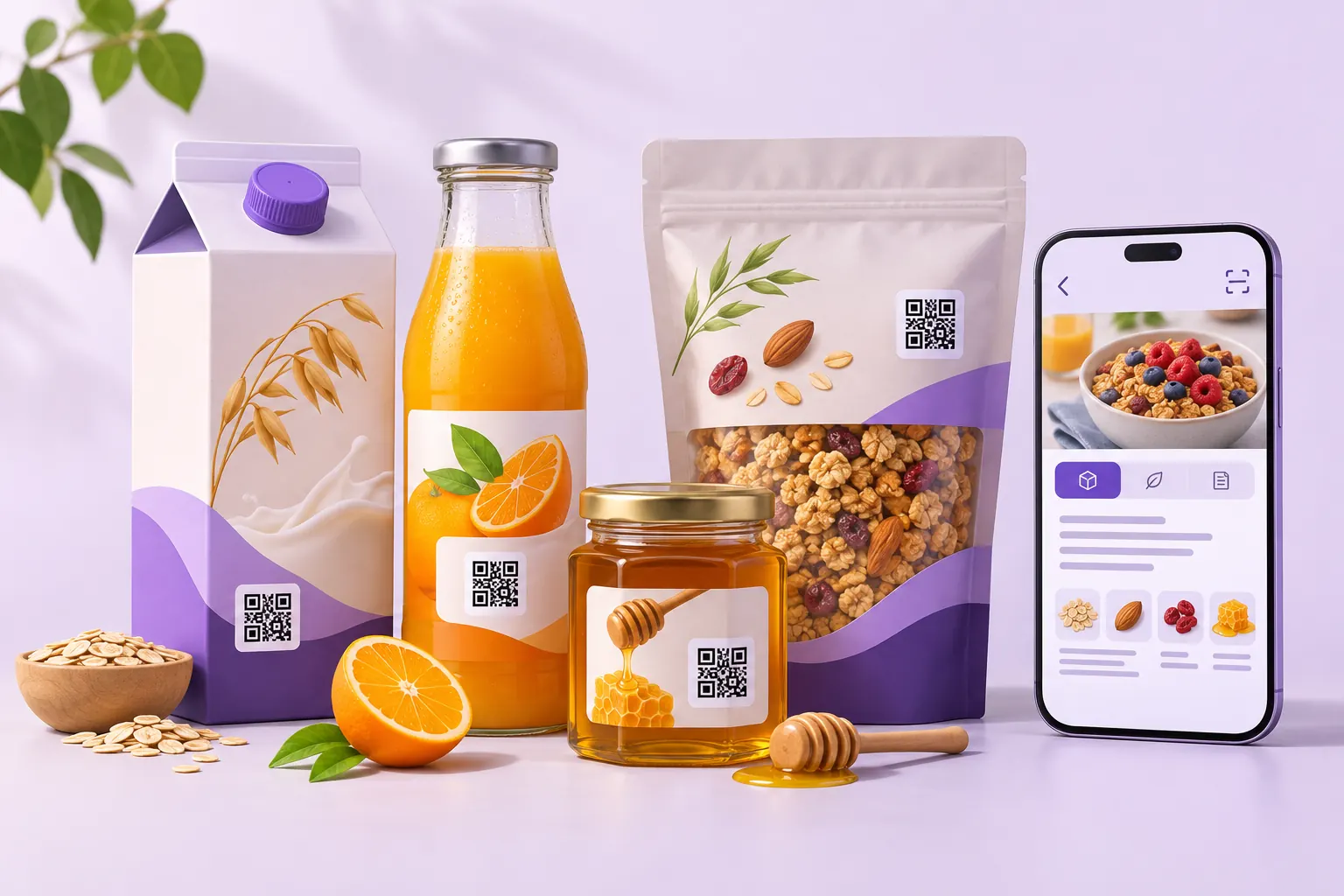
A QR code on a food pack can open a product page when a customer scans it with their phone. For a food or beverage brand, that page is an opportunity to explain the product, help customers use it and keep your content accessible after purchase.
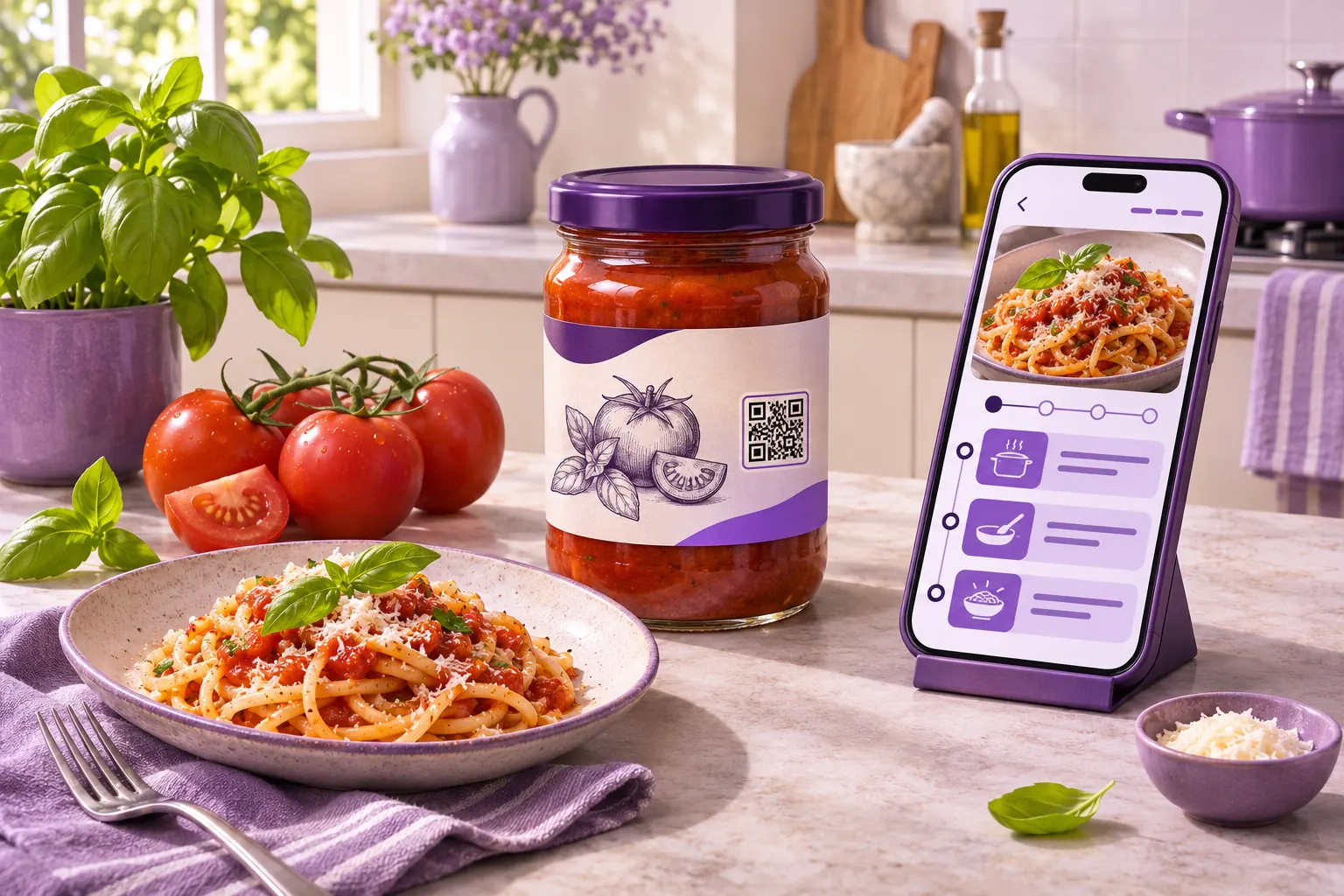
The destination matters as much as the code. A customer holding a jar of sauce should reach information about that sauce quickly. A relevant recipe, clear storage instructions or a product FAQ gives the scan a purpose.
1. Choose useful content for that product
Start with a question your customers already ask. A sauce brand might focus on serving ideas. A granola brand might make its ingredients easier to find. A beverage brand could explain preparation and share its story.
Choose one main benefit for the message beside the QR code, then build the page around it.
| Customer need | Content to publish | On-pack invitation |
|---|---|---|
| Understand the product | Ingredients, declared allergens and origin | Scan for product information |
| Know how to use it | Preparation steps, recipes and serving ideas | Scan for recipe ideas |
| Store it correctly | The brand’s storage and after-opening instructions | Scan for storage tips |
| Ask a product question | FAQs and Packaging Chat | Scan to explore and ask |
Keep published information consistent with the product and its printed label. If different recipes or pack sizes have different information, give each product the correct destination.
2. Build a product page that works on a phone
Place the product name and image near the top, followed by the information promised on the pack. Use short sections so customers can find what they need without reading a long brand presentation first.
A useful starting structure is:
- Identify the product: name, image and a short description.
- Answer the main question: ingredients, preparation or storage.
- Add helpful extras: a recipe, video, document or brand story.
- Offer a next step: ask a question, explore another product or visit your website.
With Dipacking, you can bring this content together on a digital product page and provide Packaging Chat alongside it. Prepare the product details and FAQs you want customers to explore, then review the experience before launch.
See examples on our connected packaging for food and beverage brands page, or explore the product page features.
3. Place the QR code where customers can scan it
Choose a visible area that remains reasonably flat when the pack is filled. Keep the code away from folds, seams and edges. Use strong contrast, leave clear space around it and avoid stretching the artwork.
GS1 Finland’s placement and printing guidance explains how surface, contrast, clear space and print quality affect readability. Requirements for a code used at checkout need separate attention.
Give the scan a purpose. Instead of a QR code alone, add a short invitation such as “Scan for recipes and storage tips.” The page should deliver that information immediately.
Do not assume a QR code linking to a webpage replaces your retail barcode. If you want a code to work at checkout as well as open online content, check the applicable GS1 specifications and your retailer’s requirements. A consumer product-page link and a retail scanning implementation are different decisions.
4. Test the printed pack before a full run
A successful scan on a computer screen is only a first check. Print a proof at the intended size and test it on the actual material and pack shape. GS1 also recommends testing codes with different readers and scanning situations.
- Scan with more than one phone and camera.
- Check the filled pack, including curved or flexible areas.
- Try the lighting customers may encounter in a store or kitchen.
- Open the destination using mobile data, not only office Wi-Fi.
- Confirm the page matches the product and the on-pack promise.
- Check text, images, documents, language options and links.
Use the actual QR code generated for your product. QR patterns shown in marketing mockups are illustrations and should not be copied into production artwork.
5. Measure engagement and keep the page current
After launch, review scan activity and the interaction data available in your dashboard. Look for changes over time and use customer questions to identify unclear or missing information.
A scan is a visit signal; it does not, by itself, prove a sale or identify a unique customer. Use it alongside feedback and your other commercial information.
You can update the same Dipacking product page after printing while retaining the QR code that points to it. Keep that destination available and check the printed code again after significant changes.
Common questions about food packaging QR codes
Do customers need a dedicated app?
A QR code that links to a web page can be scanned with a compatible phone camera or scanner. The page opens in the browser; customers do not need to install the Dipacking app.
Should every product use the same QR code?
Use a dedicated destination when product details differ. The customer should reach the ingredients, instructions and content for the product they scanned.
Can a small food brand start with one product?
Yes. Start with one product, publish the information customers need, test the printed code and review the experience before expanding to your range.
Start with one food product
Create a useful digital experience around the product your customers already have in their hands.
Further reading
Technical reference: GS1 Finland — creating a GS1 2D code and placing it on packaging. Consult the applicable specifications for a retail barcode implementation.