
Make information accessible
Bring ingredients, product descriptions and supporting documents together on a mobile-friendly page.
Give every supplement pack a clear digital connection. One QR code brings customers to your ingredients, product directions, documents and Packaging Chat.
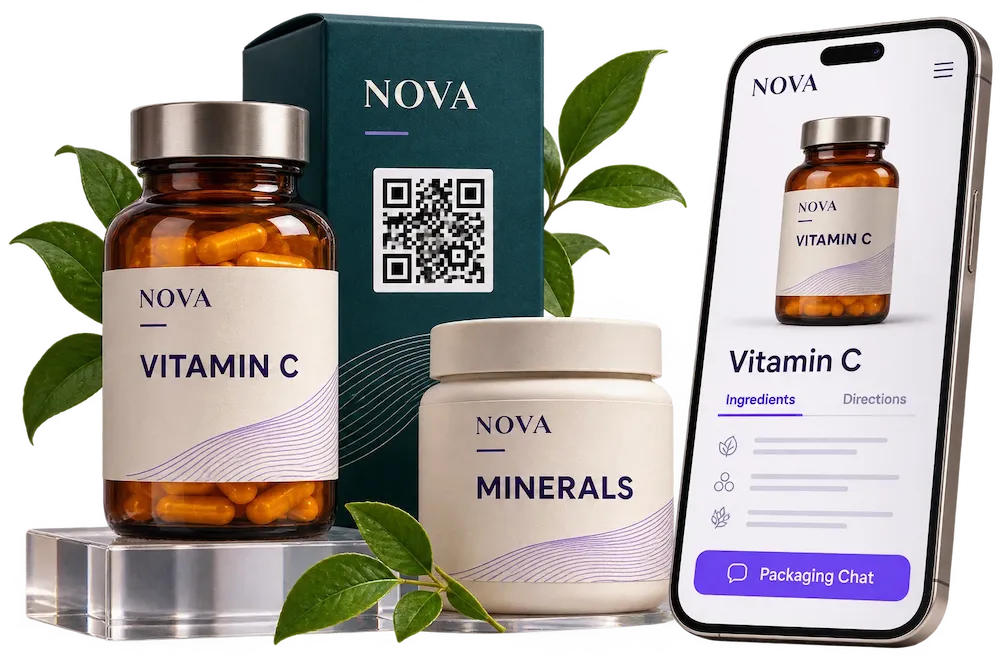
Bring the information your brand publishes closer to the person holding your product.
Bring ingredients, product descriptions and supporting documents together on a mobile-friendly page.
Share your brand’s usage and storage instructions through text, images and video.
Review scan activity and available interaction data in your Dipacking dashboard.
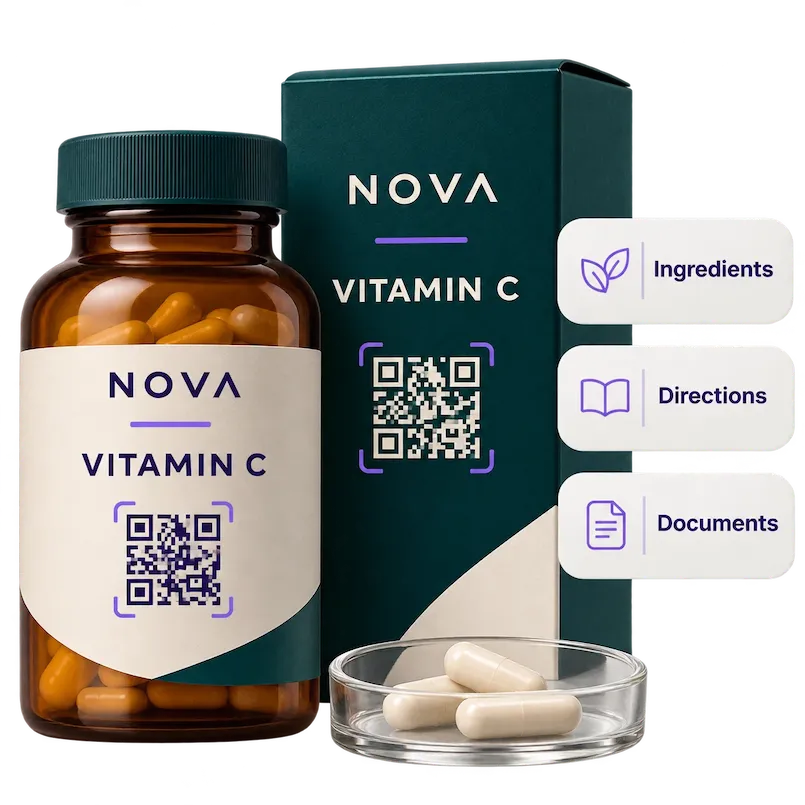
Use QR codes for supplement product information to share your ingredient list, product details, origin and the documents you choose to publish.
Explore product page features →Your digital page complements the printed label. Keep published information accurate and current.
A customer can scan the pack in store or at home to find the directions, storage information and product FAQs your brand provides.
Add videos, your brand story and other products from your range to help customers explore your content.
Create your first product page →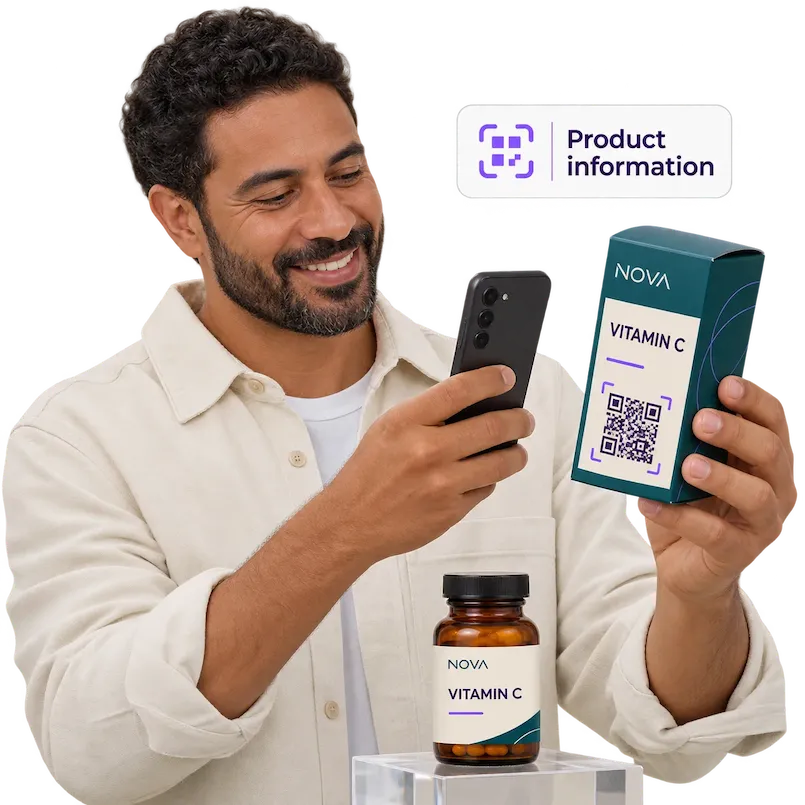
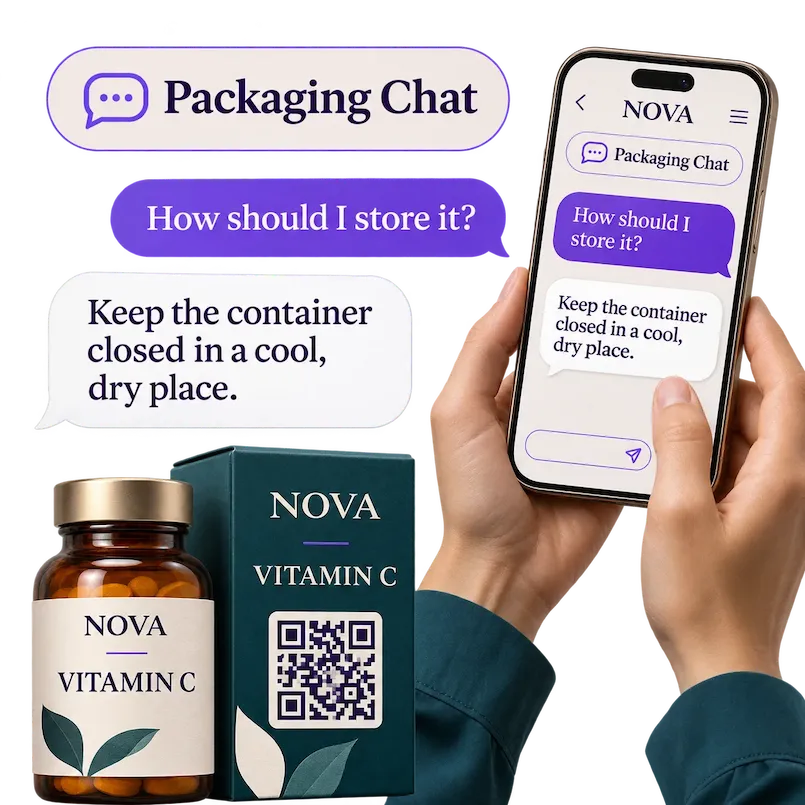
Let visitors ask about the product content you add to Dipacking, including ingredients, storage directions and your brand story.
Offer a multilingual experience in English, French and Arabic.
Discover Packaging Chat →Add your product information, images, directions and documents.
Place the product QR code on your bottle, carton or label. Test it before printing.
Update the same product page after printing and review scan activity.
Connected packaging links a supplement bottle, carton or label to digital content through a QR code. With Dipacking, customers can explore product details, ingredients, documents, brand content and Packaging Chat on a dedicated product page.
It can open a product page with the ingredients, usage and storage directions, images, videos, documents and other content published by your brand.
No. They scan the QR code and open your product page directly in their phone’s browser.
Yes. Edit the same Dipacking product page while keeping its printed QR code. Keep the page available so the code continues to work.
Dipacking supports English, French and Arabic. Prepare product content in the languages your customers need.
Start with one product and build an experience around your brand.