
Explain how to use it
Bring your product directions to life with clear text, helpful images and demonstration videos.
Help customers get more from every pack. One QR code connects your soaps, laundry products and household care range to product information, directions and Packaging Chat.
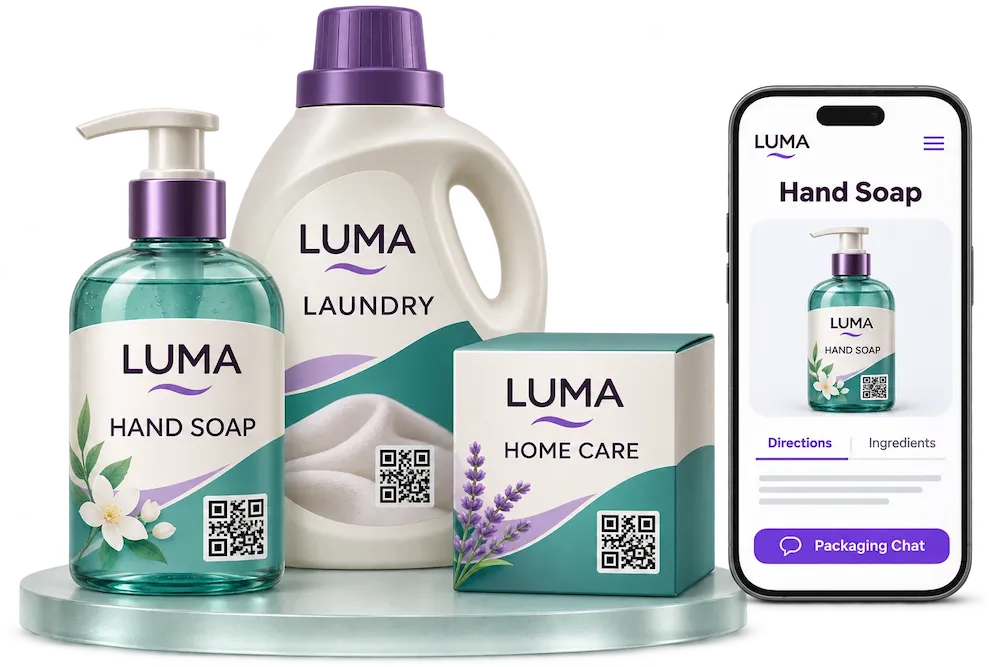
Give customers a convenient way to find the information your brand publishes, in store and at home.
Bring your product directions to life with clear text, helpful images and demonstration videos.
Publish ingredients, product descriptions, documents and your brand’s packaging information on one mobile-friendly page.
Review scan activity and available interaction data in your Dipacking dashboard.
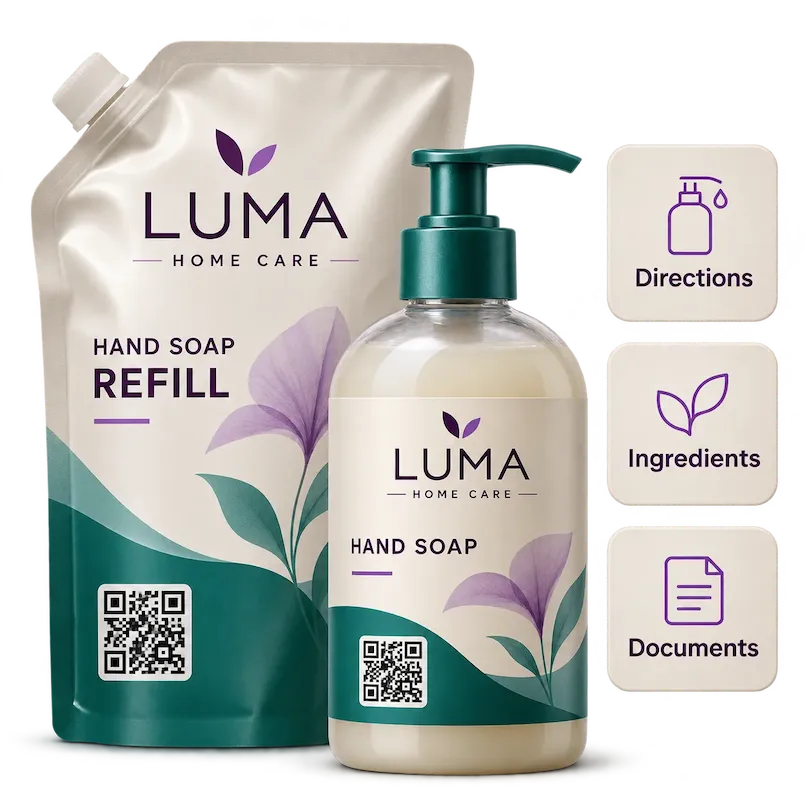
Connect your bottle, carton or refill pouch to a dedicated product page. Share your usage instructions, ingredients, storage guidance and the documents you choose to publish.
Explore product page features →Your digital page complements the printed label. Keep published directions and precautions consistent with your product.
A customer can scan the packaging before purchase or return to the page during everyday use. Your brand’s FAQs and instructions remain easy to find.
Add a short demonstration, explain your refill process or introduce other products from your range using the content you publish.
Create your first product page →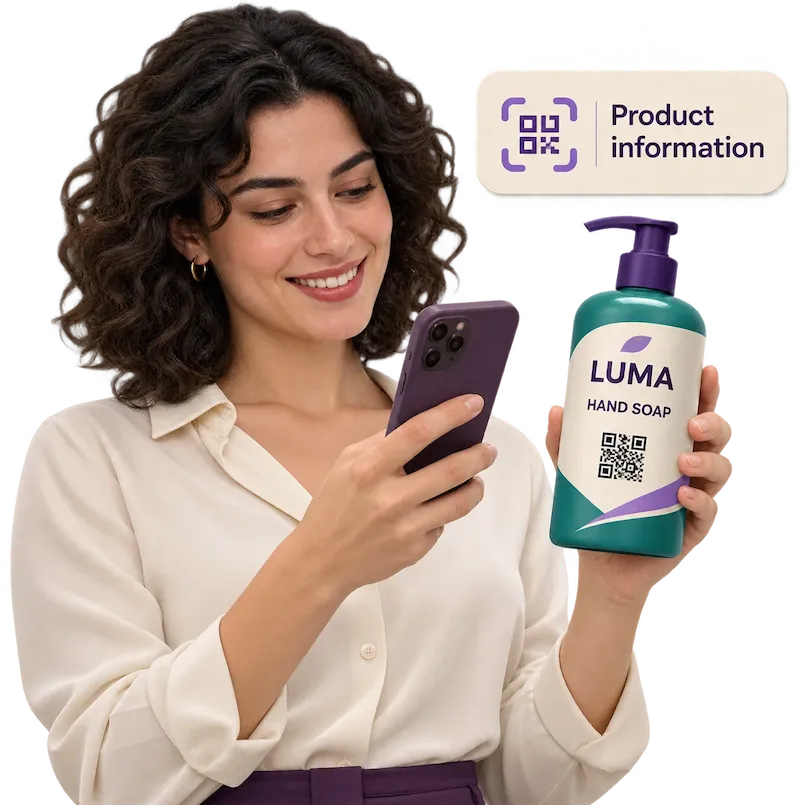
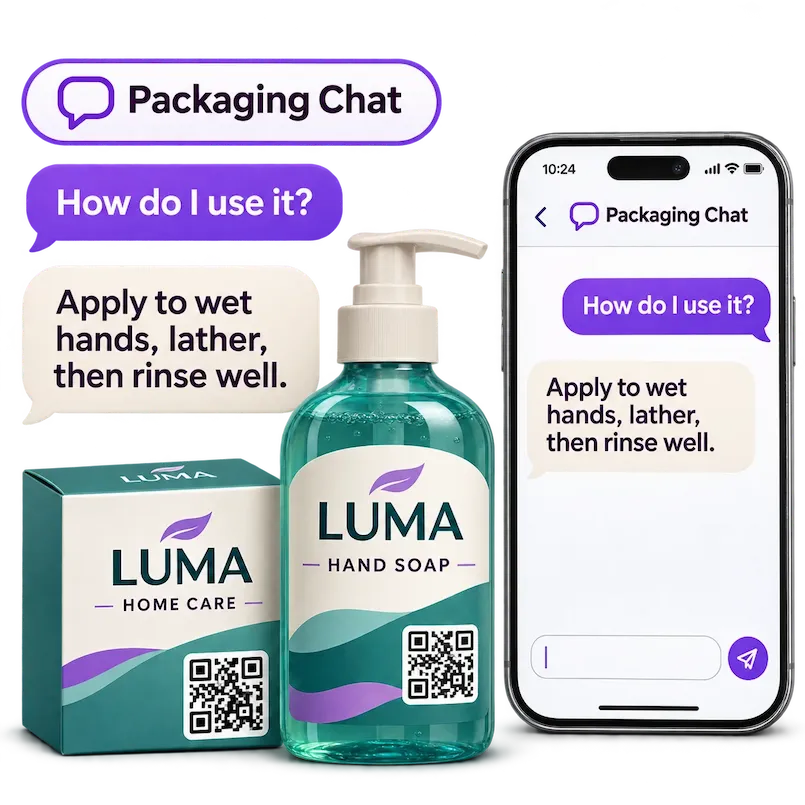
Visitors can ask about the product content you add to Dipacking, including directions, ingredients, storage and your brand story.
Offer an experience in English, French and Arabic, with product content prepared for your customers.
Discover Packaging Chat →Add your product details, directions, images, videos and documents.
Place the product QR code on your bottle, pouch, carton or label. Test it before printing.
Update the same product page after printing and review scan activity.
Connected packaging links a physical pack to digital content through a QR code. Dipacking brings your product details, directions, documents, brand content and Packaging Chat together on a dedicated product page.
You can place a product QR code on bottles, pump dispensers, refill pouches, cartons and labels. Choose a visible position and test the printed code on your actual packaging.
Publish your product descriptions, ingredients, usage and storage instructions, images, videos, FAQs and documents. You choose the content for each product.
No. They scan the QR code and open the product page directly in their phone’s browser.
Yes. Edit the same Dipacking product page while keeping its printed QR code. Keep the page available so the code continues to work.
Start with one product and create a useful experience around your brand.