

Make ingredients easy to find
Bring your ingredient list, product description and supporting documents together on a mobile-friendly page.
Give pet owners a clearer connection to your products. One QR code brings your dog food, cat food and treats to life with ingredients, feeding directions, storage information and Packaging Chat.
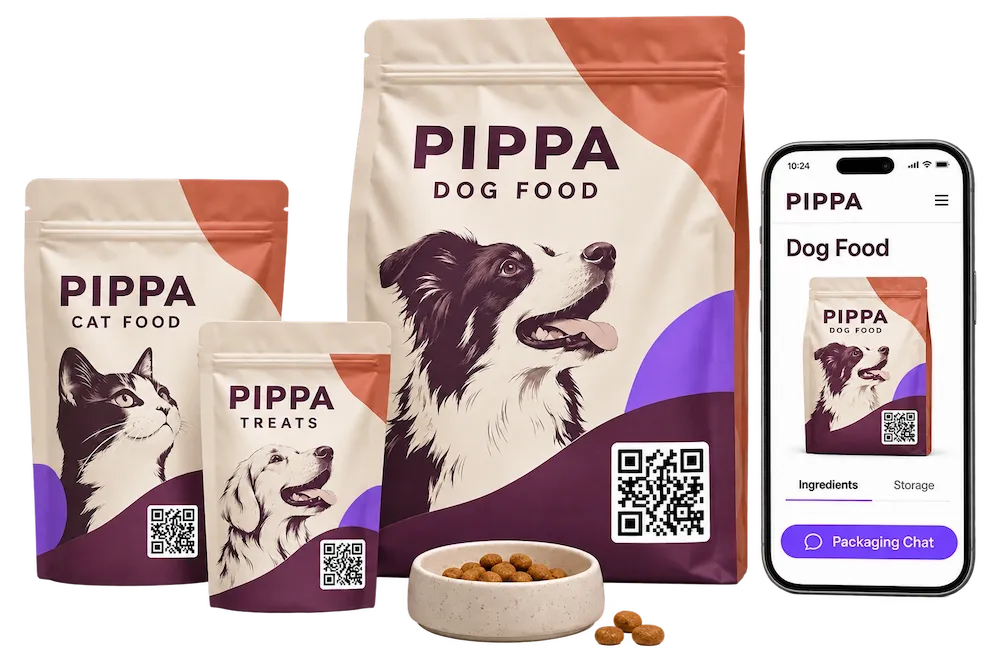
Help customers explore the product information your brand publishes, from the first purchase to everyday feeding.
Bring your ingredient list, product description and supporting documents together on a mobile-friendly page.
Share your brand’s feeding directions, preparation instructions and storage guidance through text, images and video.
Review scan activity and available interaction data in your Dipacking dashboard.
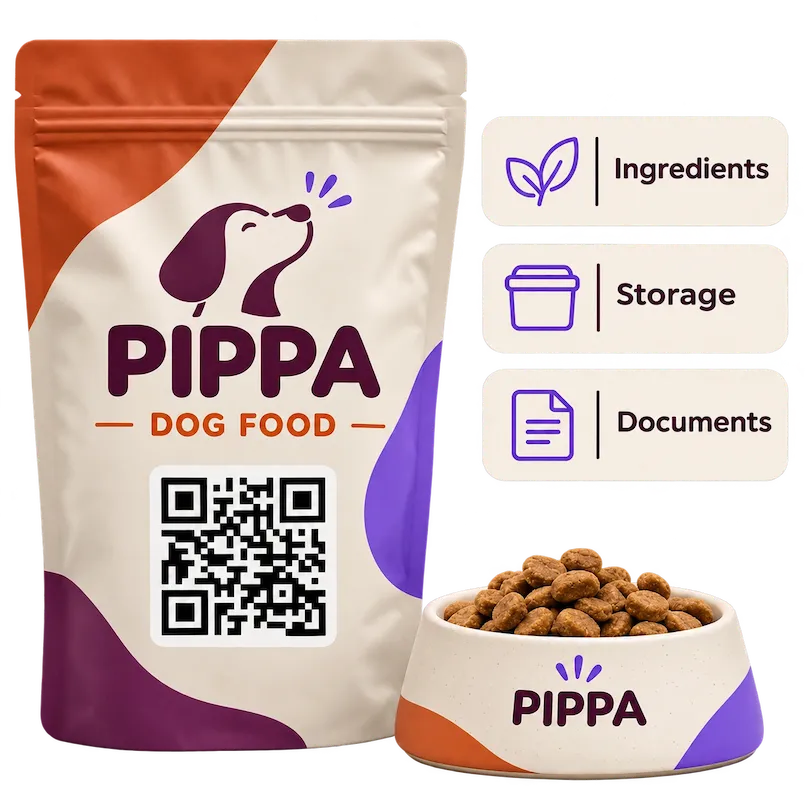
Connect a pet food bag, pouch, carton or label to a product page. Publish ingredients, origin, feeding directions, storage information and the documents you choose to share.
Explore product page features →Your digital page complements the printed label. Keep published information accurate and consistent with your product.
Customers can scan the packaging in store to explore your product, then return to the same page at home for the directions and FAQs your brand provides.
Add preparation videos, explain your brand story and introduce other products from your range, all through the content you publish.
Create your first product page →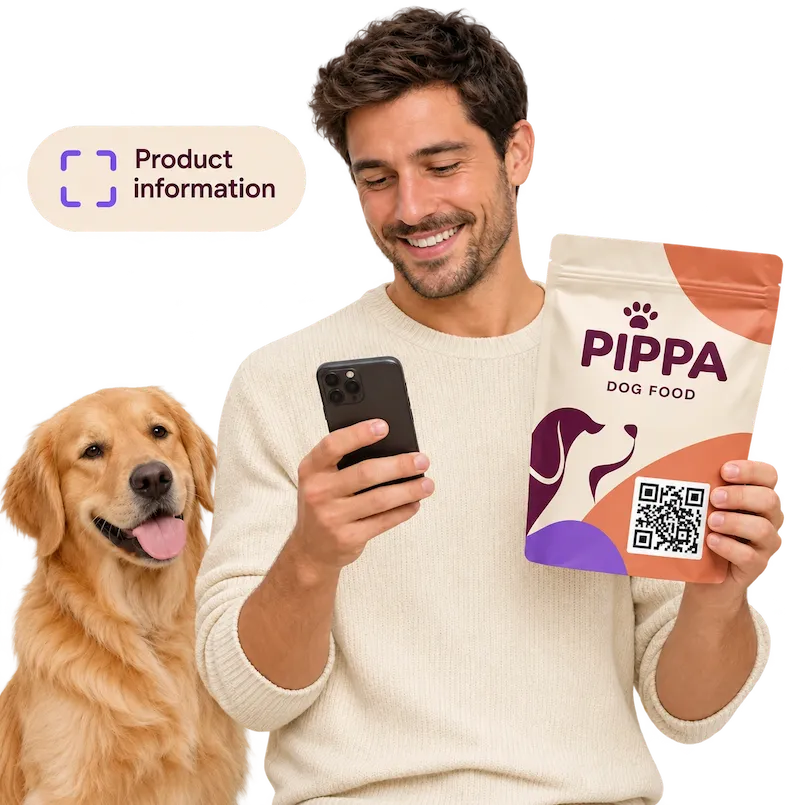
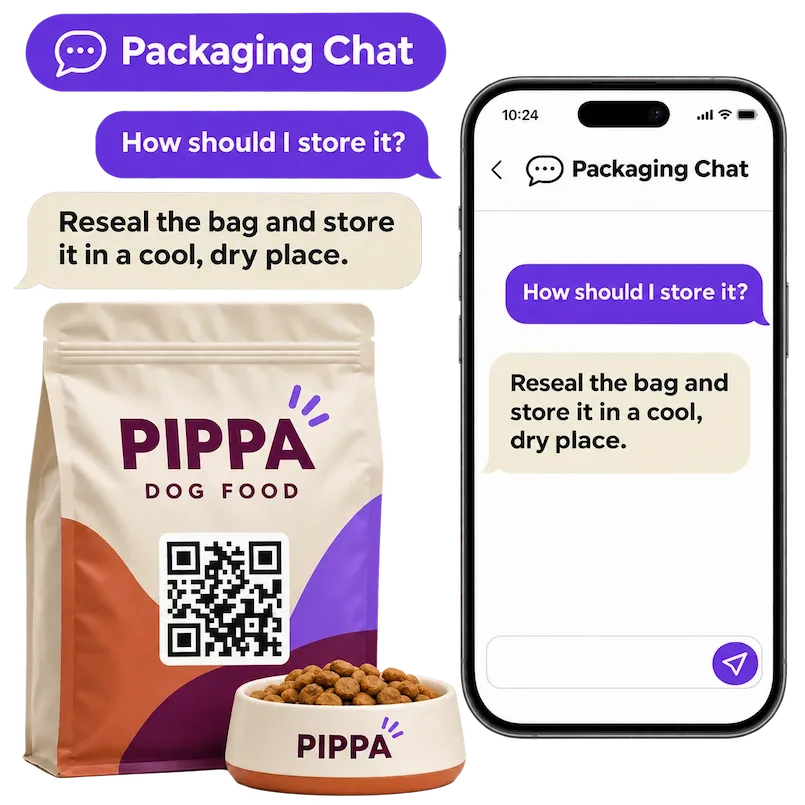
Let pet owners ask about the product content you add to Dipacking, including ingredients, storage instructions and your brand story.
Offer a multilingual experience in English, French and Arabic, with content prepared for your customers.
Discover Packaging Chat →Add your product details, ingredients, directions, images and documents.
Place the product QR code on your bag, pouch, carton or label. Test it before printing.
Update the same product page after printing and review scan activity.
Connected packaging links a pet food bag, pouch, carton or label to digital content through a QR code. With Dipacking, pet owners can explore product details, ingredients, directions, documents, brand content and Packaging Chat on a dedicated product page.
Yes. Create a dedicated product page and QR code for each product you publish, including dog food, cat food and treats.
They can view the ingredients, feeding and storage directions, images, videos, documents, FAQs and other content your brand publishes for that product.
No. They scan the QR code and open the product page directly in their phone’s browser.
Yes. Edit the same Dipacking product page while keeping its printed QR code. Keep the page available so the code continues to work.
Start with one product and create a useful experience around your brand.